From product links
to interior specs.
Put those open tabs to work. Intspec turns supplier links into organized product details and beautiful spec sheets, ready for clients and contractors.
| Nº | Name | Dimensions (mm) | Price | |
|---|---|---|---|---|
| 01 | 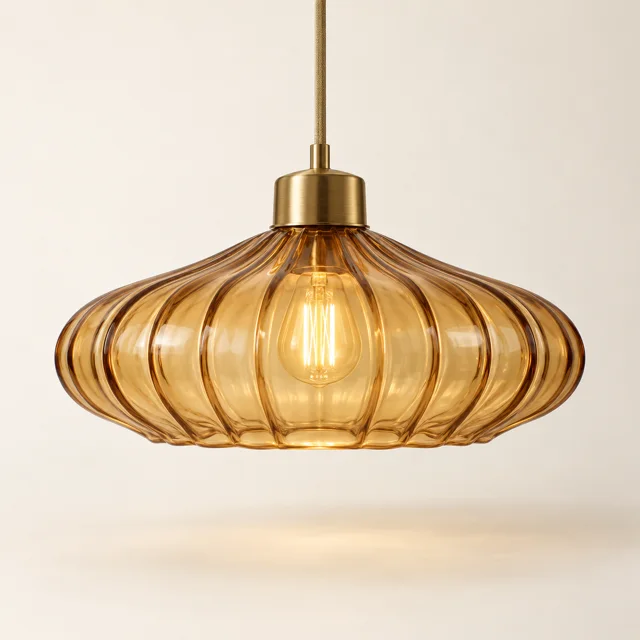 | Amber glass pendant, small | 350 × 370 × 350 | €329 |
| 02 | 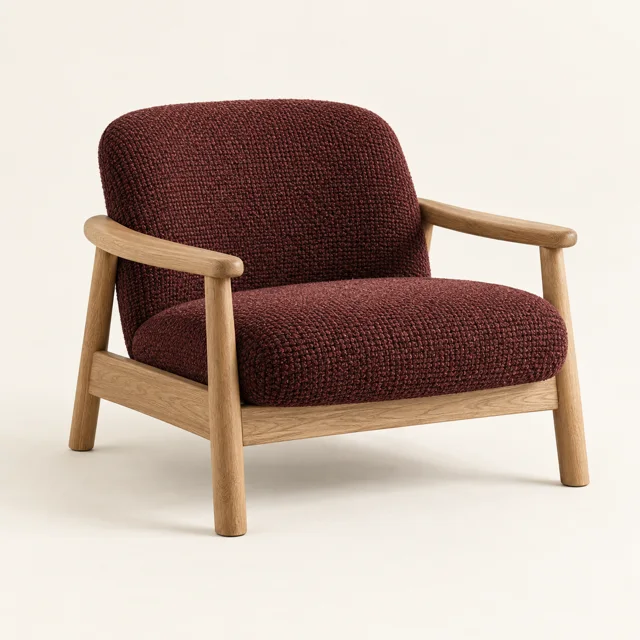 | Oak lounge chair, dark red | 810 × 830 × 770 | €1,240 |
| 03 | 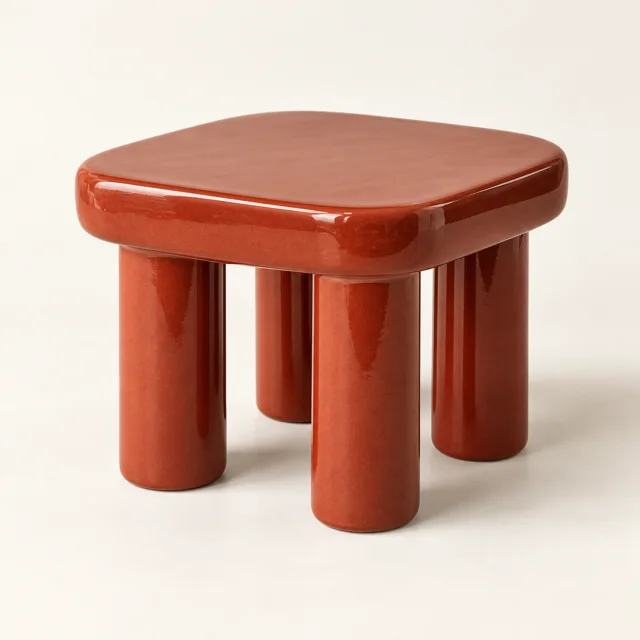 | Ceramic side table | 450 × 450 × 420 | €410 |
| 04 | 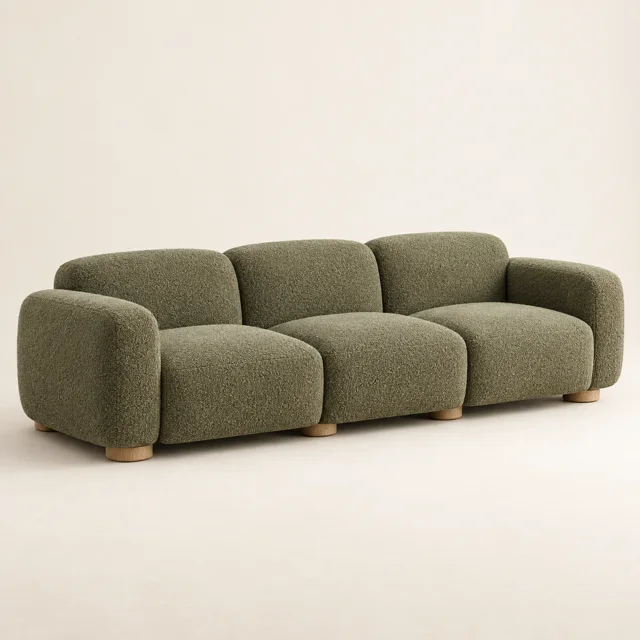 | Modular sofa, 3-seat | 2400 × 950 × 820 | €2,860 |
| 05 | 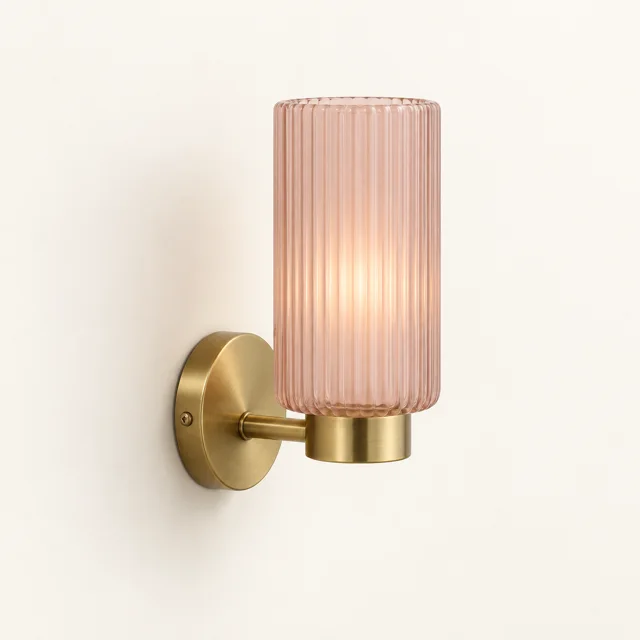 | Ribbed wall sconce | 120 × 200 × 140 | €189 |
| 06 | 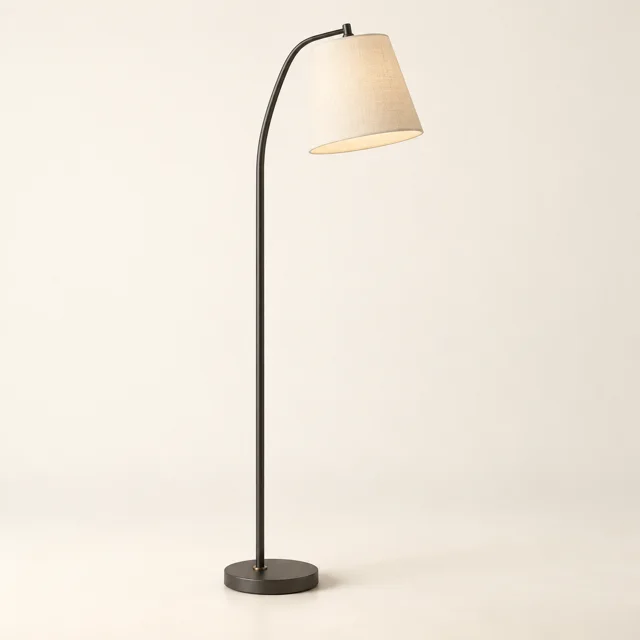 | Arc floor lamp | 300 × 1850 × 300 | €540 |
Specifications take days to complete.
Finding dimensions. Copying prices. Sorting products. Formatting. Hours of work, repeated on every project.
- 01Open the supplier page
- 02Find the product details
- 03Copy them into a spreadsheet
- 04Sort into categories
- 05Lay out the tables
- 06Export the PDF
And do it all again on the next project.
200 links, print-ready under 5 min.
Paste your links. Intspec extracts the product details and sorts them into categories. Generate spec sheets in one click, then export your PDF.
Timed on a real project.
Paste your links, then watch it come together.
Your links become organized product data, then spec sheets. Build them by category or for the whole project, all in one workspace.
Paste links, extract, approve. Keep your product details together on the board.
Amber glass pendant, small lumeo.ex Lighting lumeo.ex €329 10/11 Oak lounge chair, dark red sedora.ex Seating sedora.ex €1,240 9/11 Ceramic side table tavola.ex Tables tavola.ex €410 8/11 Modular sofa, 3-seat sedora.ex Seating sedora.ex €2,860 11/11 Ribbed wall sconce lumeo.ex Lighting lumeo.ex — 6/11 Arc floor lamp lumeo.ex Lighting lumeo.ex — 7/11
From extraction to answers. Just flip the switch.
Switch the same input bar to Ask and it becomes your project assistant. Find what fits a budget, see where else you used a product, or get the project’s total.
2 of 6 items match.
Amber glass pendant, small Ceramic side table Answers come from your own table. Intspec never invents a product.
Common questions.
No. Pasting only finds and stages links. Supplier pages are read when you press Extract, and only for the rows you selected.
Be first to spend less time on specs.
Get back to the part you love. Designing.
One email when early access opens.